NoxPix
AI-powered desktop image editor
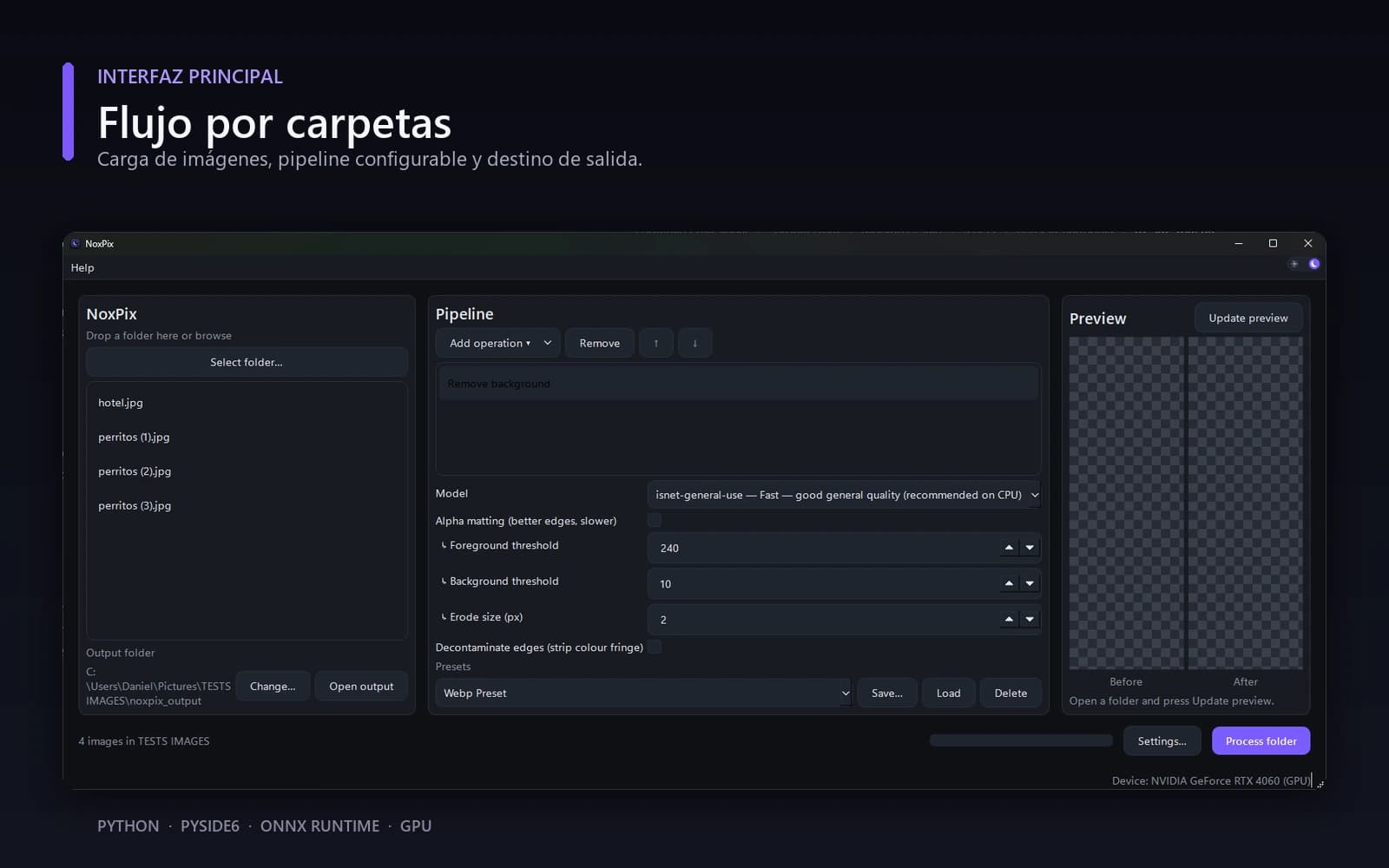
Upscaling, cutting out backgrounds, and optimizing hundreds of images by hand takes hours and requires professional software. NoxPix does it in batch, locally, with no subscription: AI models running on your own machine, with both a GUI and a command line. It's a complete product — installer, EULA, changelog, roadmap — not a script.
Problem
Photographers, e-commerce sellers, and creators need the same things over and over: enlarge images without pixelation, remove backgrounds without edge halos, and shrink file size without visible quality loss. The existing options are expensive professional editors, cloud services with limits and subscriptions, or standalone tools that process one image at a time.
Solution
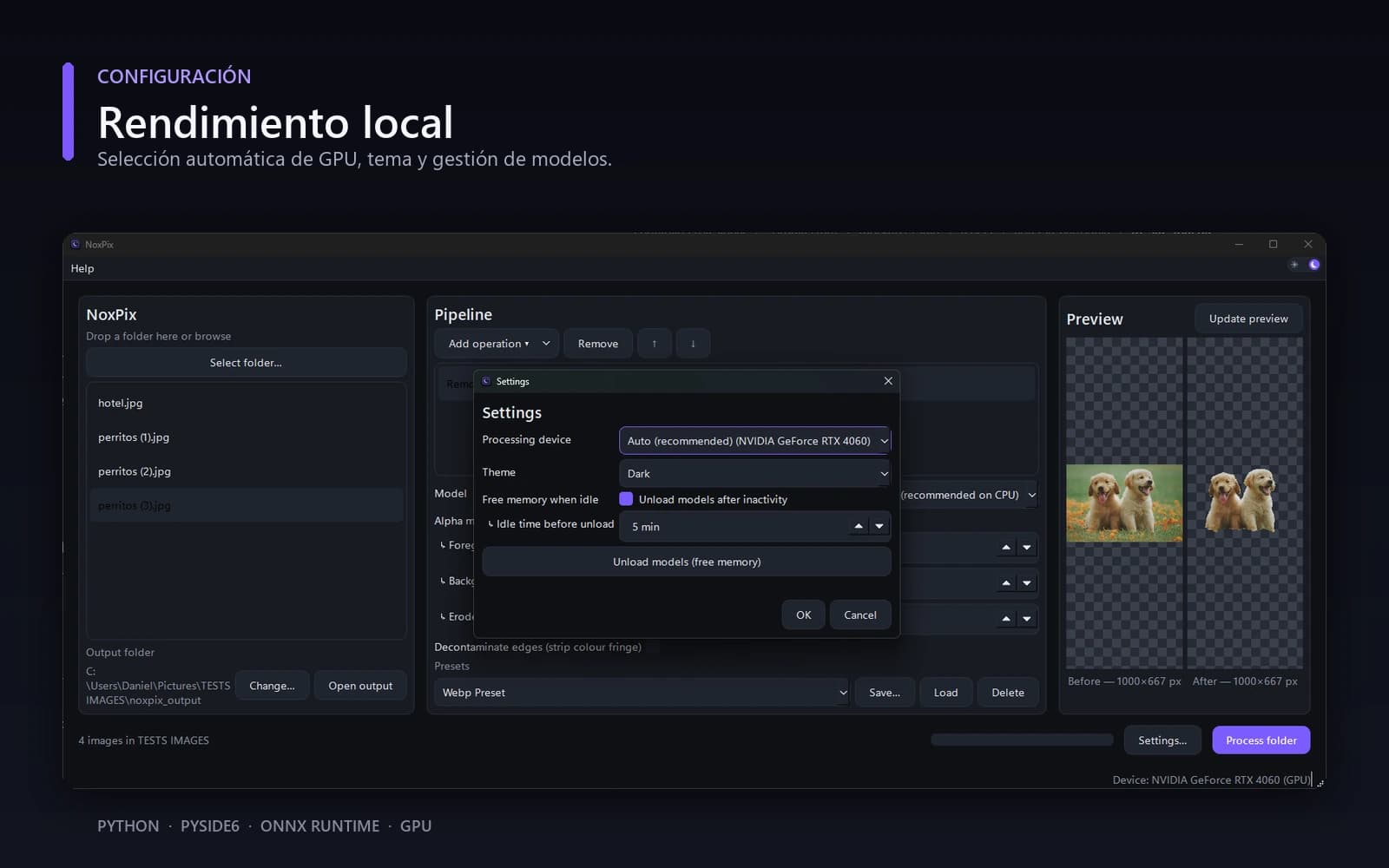
- AI upscaling (Real-ESRGAN on ONNX Runtime) with GPU acceleration and automatic CPU fallback.
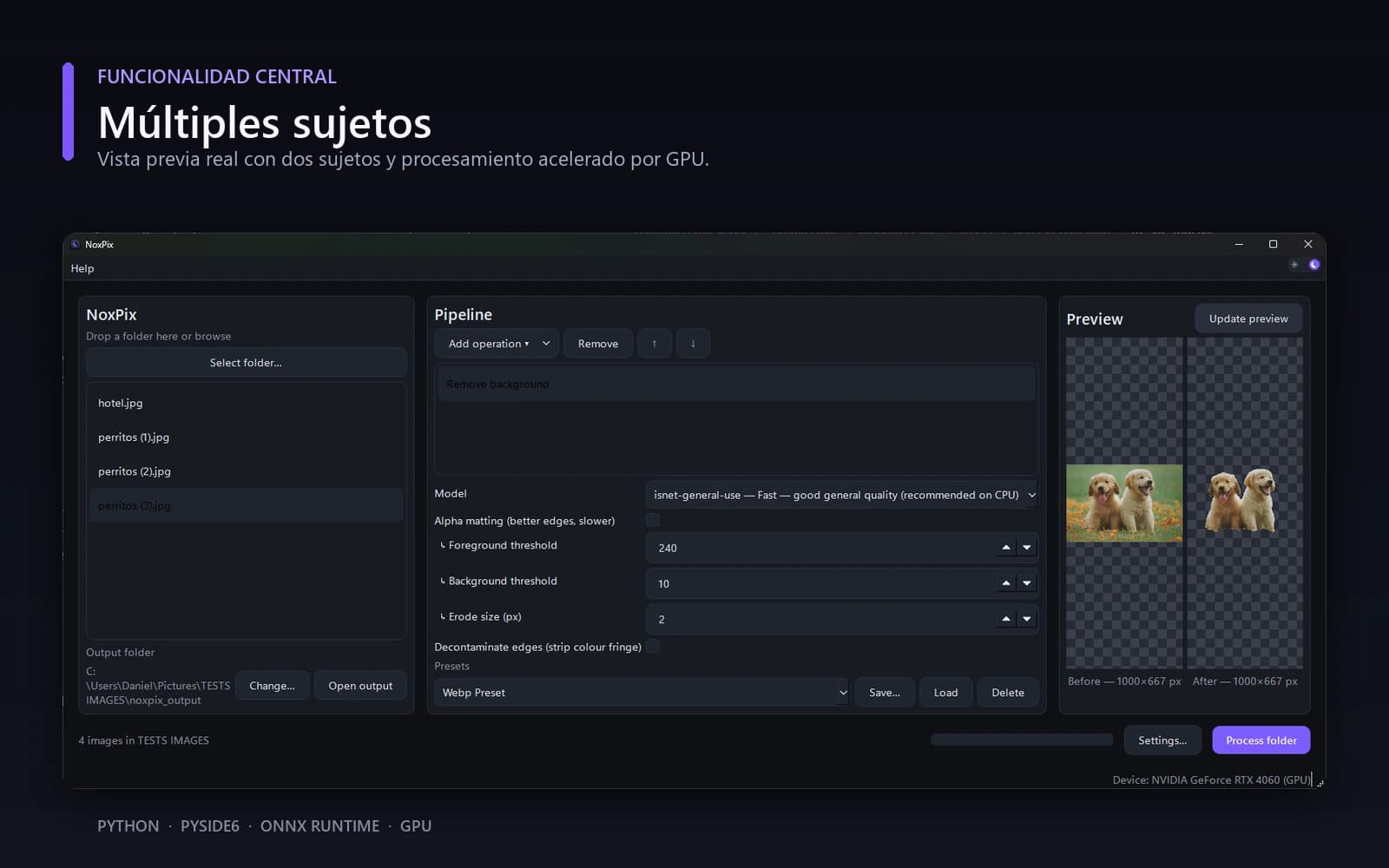
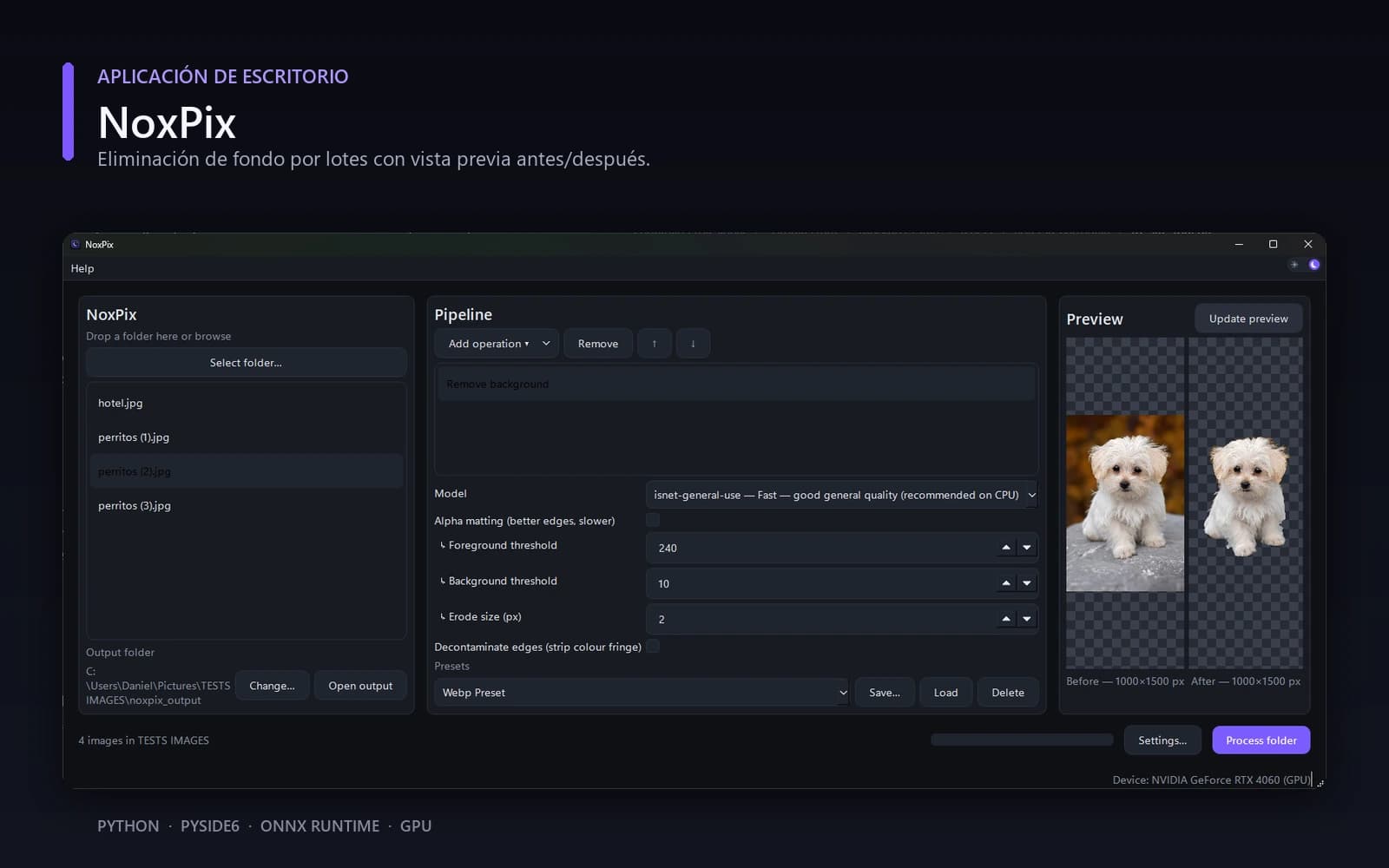
- Background removal with edge decontamination — the detail that separates a usable cutout from one with a halo.
- File size optimization (PNG/WebP) built into the same pipeline.
- GUI + CLI: the same operation available to whoever wants to drag a folder in, and to whoever wants to automate it.
- Designed for someone else's files: atomic writes (never leaves a file half-written), an explicit per-batch error policy, and tiled processing for large images without exhausting memory.
Architecture
It's proof I work at a product level, not a demo level: a two-layer architecture defended in 7 ADRs, 198 tests, CI on two operating systems, packaging with both an installer and a portable build, bilingual legal documents with recorded acceptance, memory benchmarks with measured optimizations, and a changelog documenting every relevant bug with its root cause. The current phase is commercial enablement: licensing, code signing, and a sales channel.
Gallery